

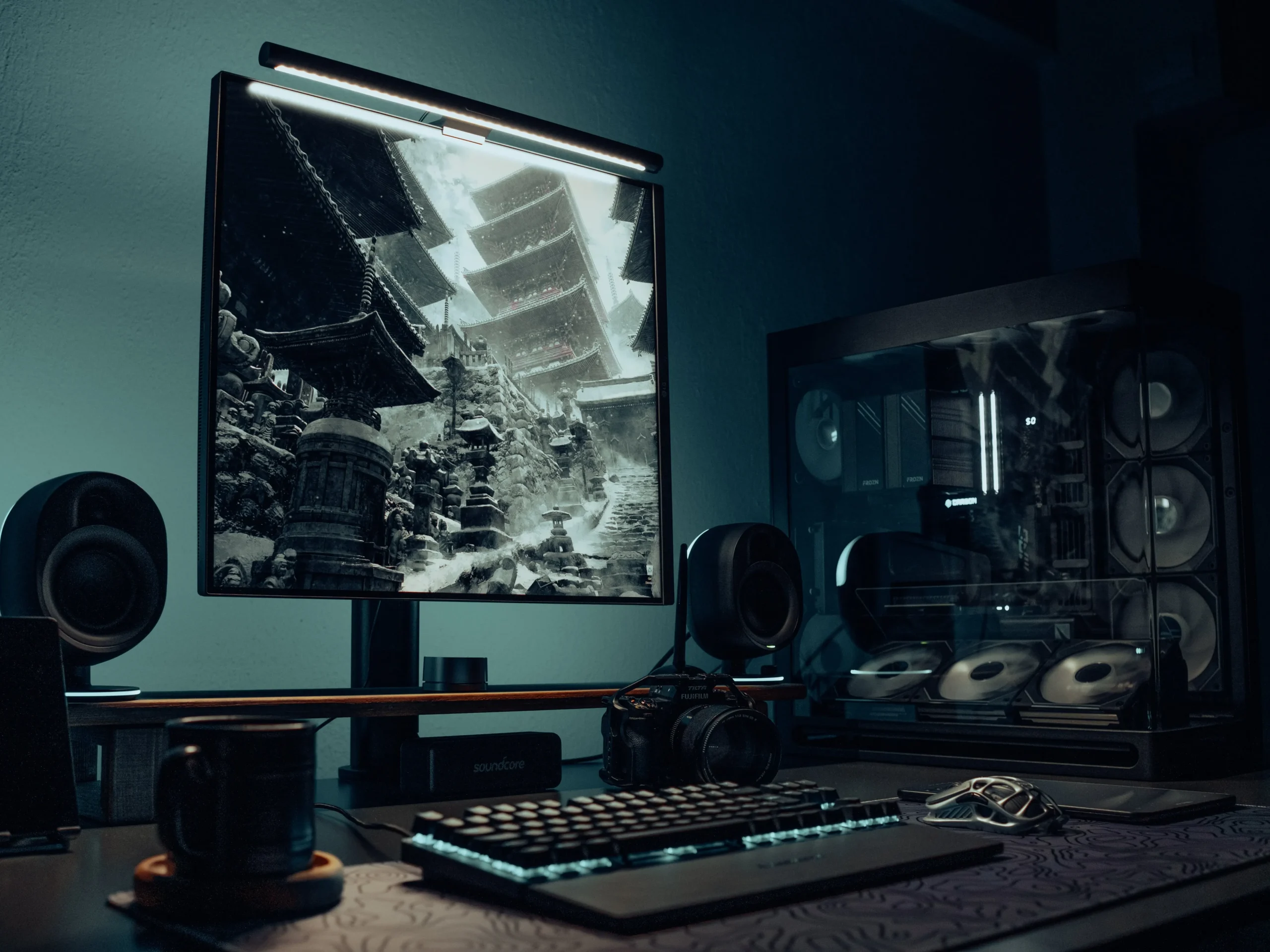
For years, the gaming community has been dominated by aggressive, flashing neon RGB waves that distract the eyes. But a sophisticated shift is happening. Adult gamers, remote professionals, and digital creators are turning off the rainbow lighting and leaning into deep, monochromatic shadows, stealth-black textures, and focused, directional lighting.
An intentional dark mode desk setup isn’t cold or clinical; it is a midnight sanctuary designed to eliminate visual background noise, allowing you to completely immerse yourself in your work or your favorite game.
If you want to replicate this ultra-sleek, calm environment, these three foundational design pillars will help you build the ultimate minimalist gaming setup.
🧭 The Core Elements
1. Layered Ambiance Over Overhead Glare
In a dark mode workspace, shadows are your friend. Instead of lighting up the entire room with a harsh ceiling bulb, use an asymmetric monitor light bar to illuminate only your actual workspace. This creates a hyper-focused pool of light right over your peripherals while keeping the rest of the room in a calming, distraction-free shadow.
2. Matte Black and Stealth Textures
When you strip away bright colors, texture becomes the most important design element. To keep a monochromatic desktop from looking flat, mix different dark finishes. Pair a smooth matte black desk surface with a textured patterned desk mat, a metallic PC chassis, and solid obsidian peripherals to add layers of premium depth.
3. Symmetrical Audio Placement
A true gaming sanctuary engages the ears as much as the eyes. Symmetrical desktop studio monitors do not just deliver crisp, immersive spatial audio for gaming; they act as powerful physical pillars that flank your monitor, framing your workspace structure beautifully.
🎨 The 5 Essential Gear Pieces
1. The Stealth Matte Black Desk Shelf
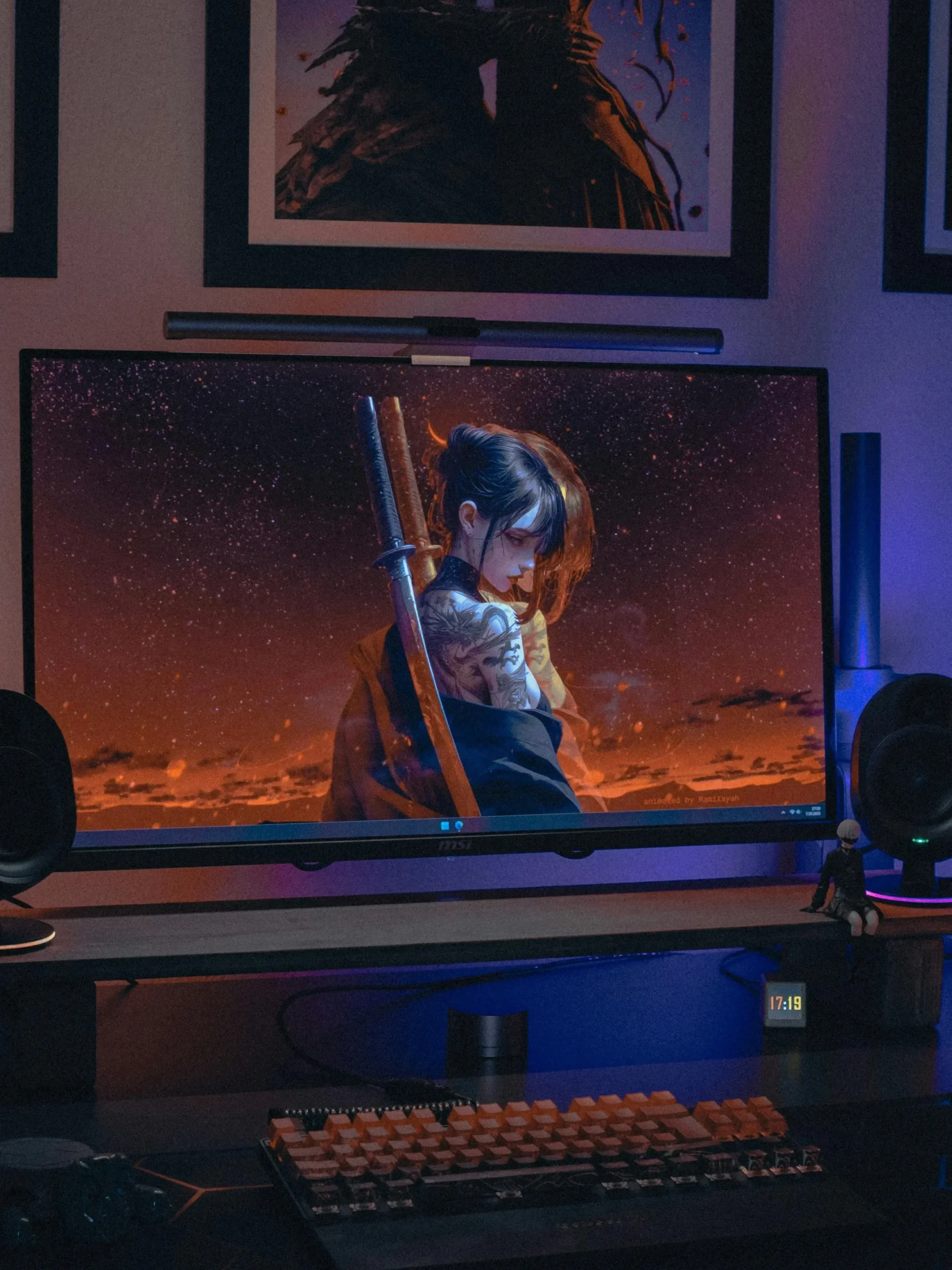
A premium desk shelf is the architectural anchor of a modern workspace. Elevating your monitor on a dark, minimalist riser creates a clean split-level look, raising your screen to an ergonomic eye level while giving you a dedicated space to store a sleek audio bar or hide your keyboard out of sight.
- Pros: Creates structural layers on a dark desktop; frees up massive surface space directly under the monitor.
- Cons: Requires a disciplined, uncluttered layout to maintain its clean geometric lines.

2. The Custom Mechanical Keyboard with Wrist Rest
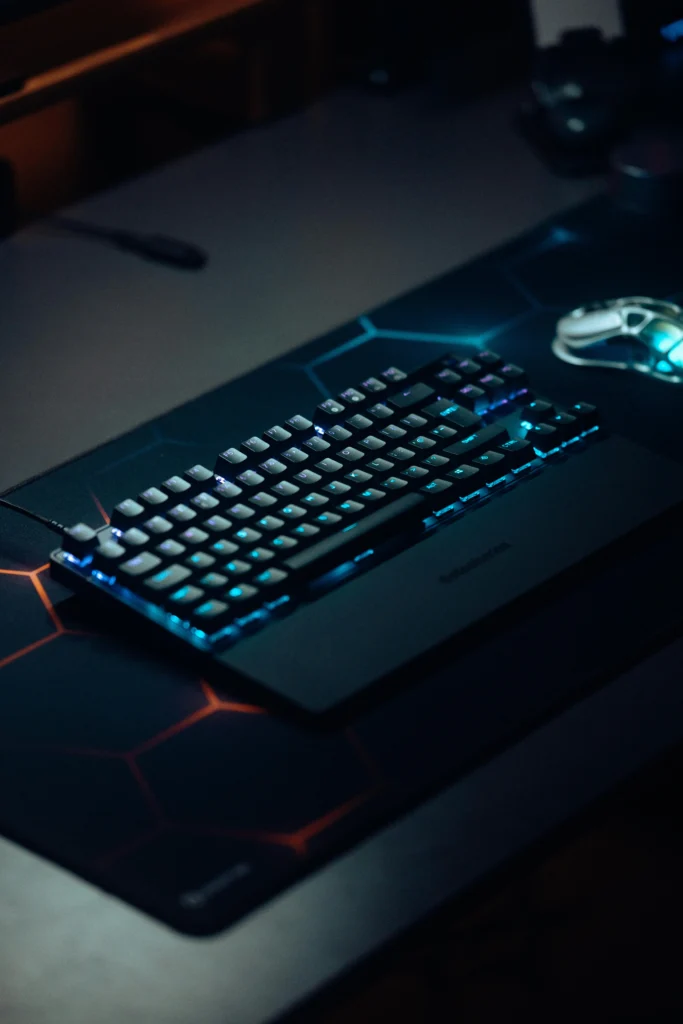
The mechanical keyboard is the ultimate command center tool for both productivity and gaming. A compact layout with a solid dark top plate and low-profile switches offers incredible typing precision, while a matching black wrist rest ensures maximum comfort during long late-night sessions.
- Pros: Delivers a smooth, highly satisfying tactile response; the integrated wrist rest reduces hand and wrist fatigue entirely.
- Cons: Solid black keycaps can be harder to read in low-light rooms if your desk lighting is turned off.
3. The Asymmetric Monitor Light Bar
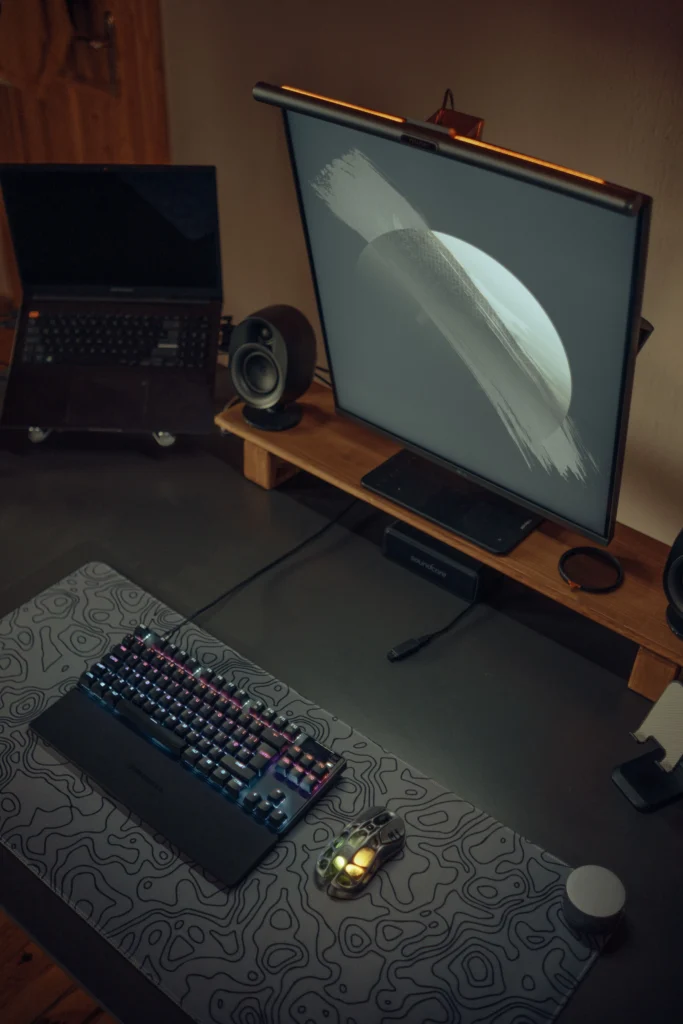
A premium monitor light bar is the absolute heart of a dark mode desk setup. It mounts directly onto the top bezel of your display, projecting a clean, directional beam of light straight down onto your keyboard and mouse without casting a single drop of reflection onto the screen or glaring into your eyes.
- Pros: Entirely eliminates screen glare and drastically reduces late-night eye strain; completely replaces the need for a bulky traditional desk lamp.
- Cons: Occupies the top-center mounting slot where a standard webcam normally sits.
4. The Monochromatic Topographic Desk Mat
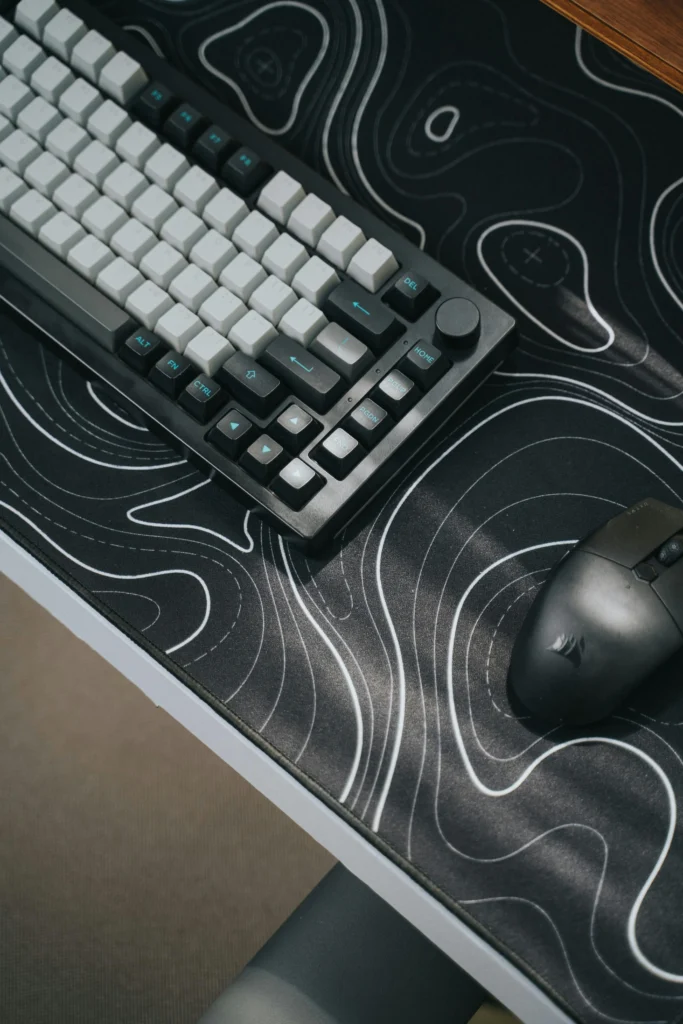
An extra-large desk pad grounds your entire peripheral setup. Instead of plain plain fabric, a dark desk mat featuring a subtle geometric or topographic line pattern adds immense visual interest and style to the desktop without breaking the clean, monochromatic color palette.
- Pros: Protects your desk surface from scratches; provides a smooth, low-friction glide for high-performance gaming mice.
- Cons: Detailed patterns require regular lint-rolling to keep dust from showing on the dark fabric.
5. Premium Desktop Studio Speakers
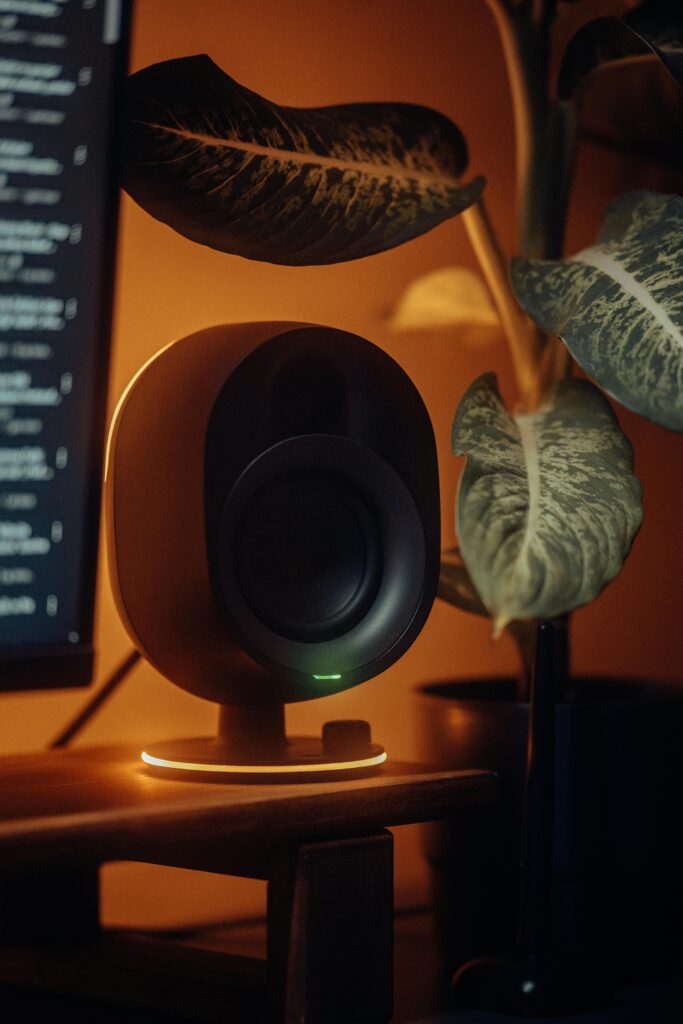
A pair of sleek, matte-black bookshelf speakers completes a premium multimedia experience. Placed symmetrically on either side of your main display, they deliver crystal-clear directional audio while beautifully filling out the empty vertical space on your desk.
- Pros: Provides rich, cinematic sound separation without requiring bulky headphones; serves as a striking visual frame for your monitor setup.
- Cons: High-quality desktop speakers require dedicated physical desk space and neat cable routing behind the riser.
Ready to Reset?
Building a high-focus dark mode setup is all about mastering contrast, controlling your light sources, and choosing premium, unified textures. When you eliminate the visual clutter of bright lights and messy cables, your screen becomes a true window into your workflow or game.
Do you prefer this moody, stealth-black aesthetic over a bright, natural wood theme? Let us know which style you are building in the comments below!